


Lay your design over the page you built
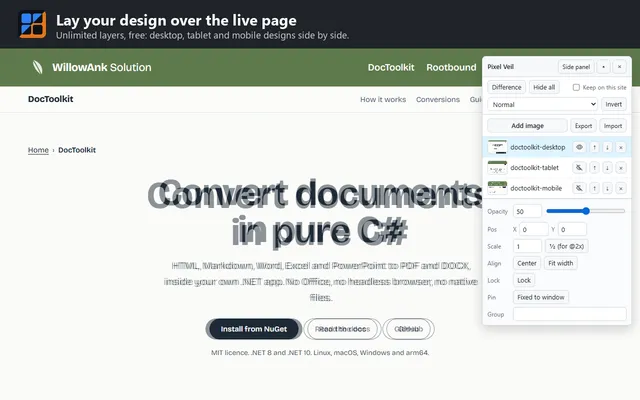
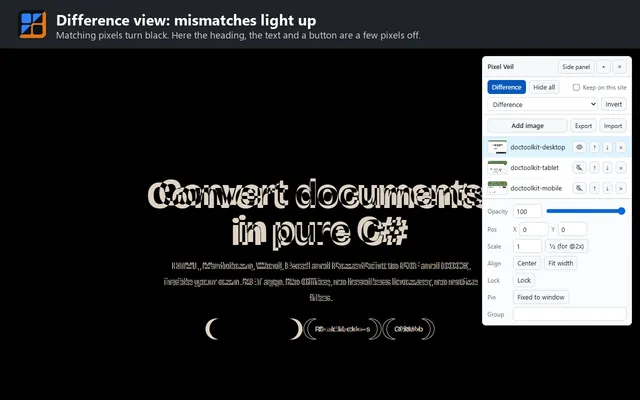
Drop a design export on your page and line it up. Switch to Difference, and matching pixels turn black, so only what is off still shows.
Free and open source (MIT). Version 0.2.2. Not on the Chrome Web Store yet: install it from source, as shown below.
See it on a real page
What it does
Unlimited layers
Desktop, tablet and mobile designs side by side, free. Set each one's see-through level and scale, with one click for designs exported at 2x.
Four ways to compare
Difference turns matching pixels black, so only mismatches show. Also Multiply, Screen and Invert.
Line it up fast
Drag, type X and Y, nudge with the arrow keys (Shift for 10 px), or click Center or Fit width.
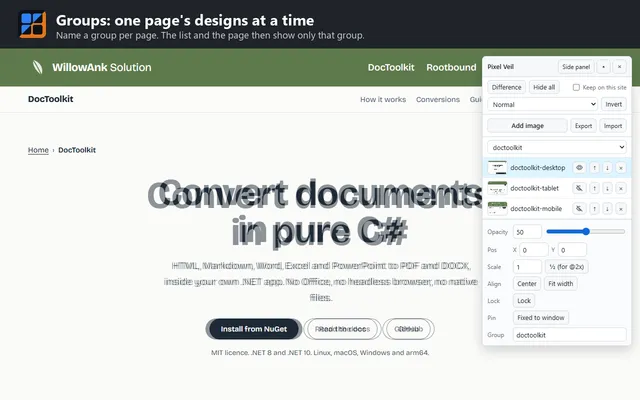
Groups
Name a group per page, and the list shows only that page's designs.
Sticky headers, narrow pages
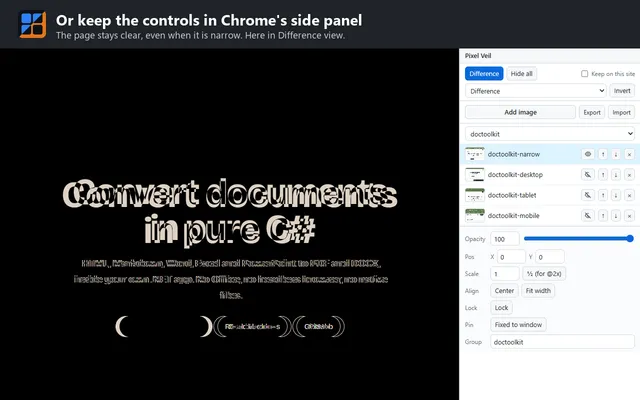
Pin a layer to the window for a sticky header, or move the controls into Chrome's side panel.
Export and import
Save a site's layers and images to one file, and add them on any computer.
Install it from source
Pixel Veil is not on the Chrome Web Store yet. Building it takes about a minute, with Git and Node.js:
git clone https://github.com/Ank-KhoaHo/pixel-overlay
cd pixel-overlay
npm ci
npm run build
Then open chrome://extensions, turn on Developer mode, choose Load unpacked, and pick the .output/chrome-mv3 folder.
Your designs stay in your browser
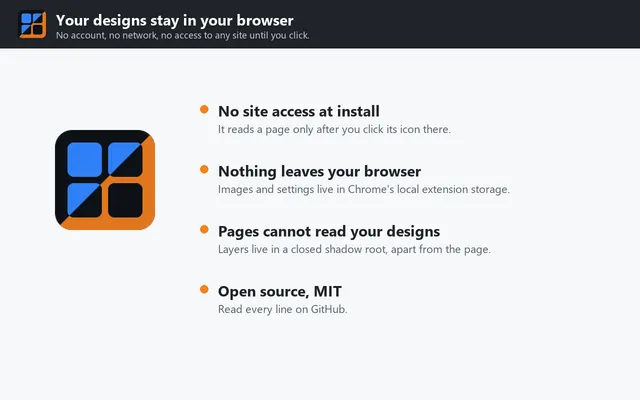
Pixel Veil has no account, no analytics and no server. At install it can read no site; it draws on a tab only after you click its icon there.
Read the privacy policy